🕳️ XDC Underground — The Tunnel System
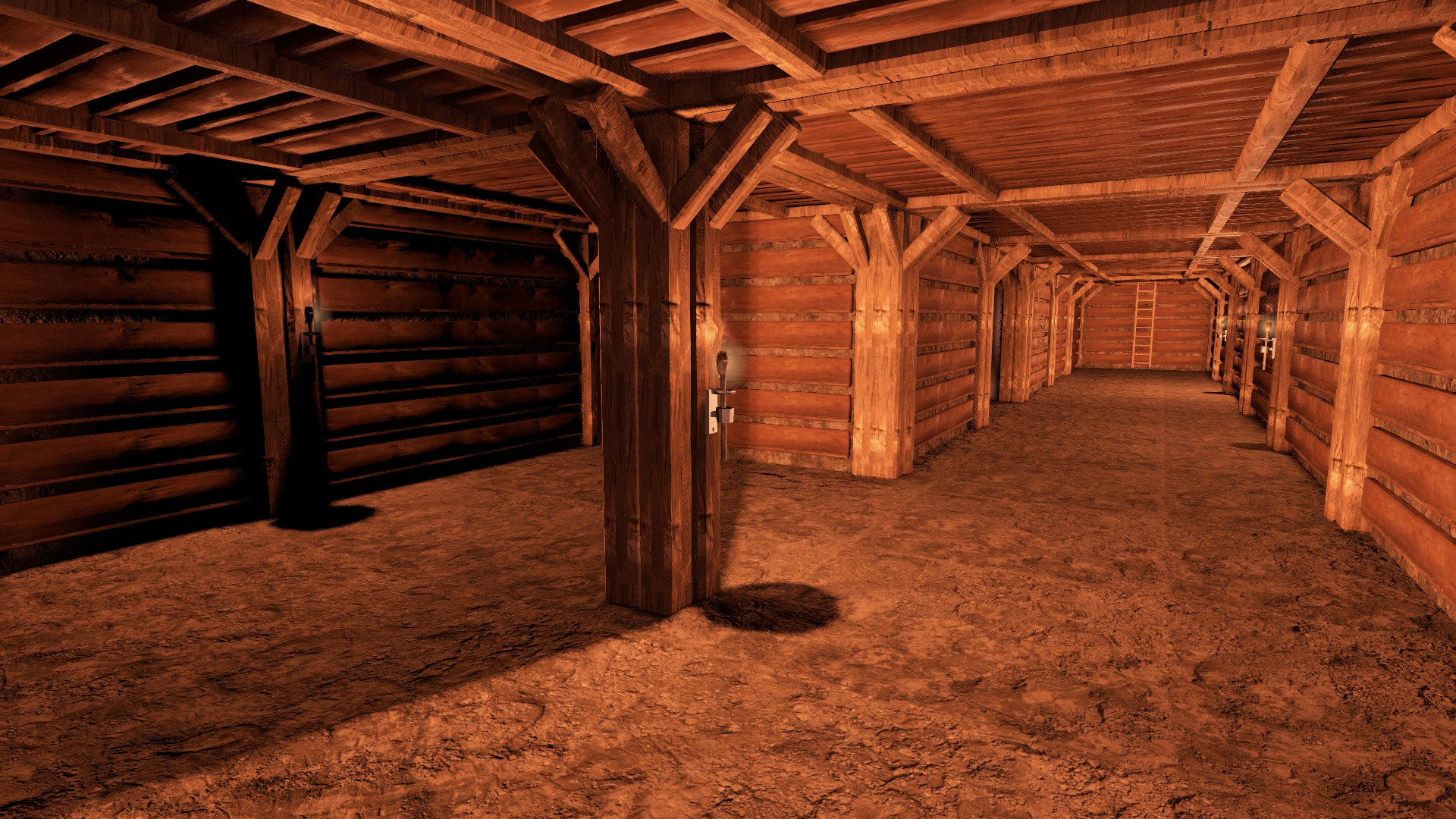
XDC Underground is our brand-new underground mod, built from scratch by us with our own models, and unique to XDC. It's intended as a full replacement for the current Underground Bases mod — the two will run side by side for the rest of this wipe, and it will come to Deer Isle and Nasdara in the near future. It also contains several systems we want to test properly ahead of the custom base-building mod that's next on our roadmap, so please report anything odd you find.
Instead of one fixed hatch and one fixed room, you dig a hidden entrance and then tunnel outwards, cube by cube, building and upgrading supports as you go. The aim is to make the whole underground game more interesting. Compared to the old mod, tunnel bases are:
- much easier to raid when found
- harder to find
- more realistic
- more costly to maintain, though cheaper to build
- a true sandbox — you decide the layout
This guide covers getting in and out. The rest of the system is split across five more guides:
- Digging & Building — the cube system, walls, cores, tiers and the vault door.
- Lighting & Vault Materials — light holders, and the armour-plate → smelt → cast chain for Tier 4.
- Ownership, Persistence & Claiming — no flags, the 5-day refresh, and claiming with a screwdriver.
- Stability, Raiding & Collapse — the stability system and how it changes raid cost.
- Getting Buried — the escape minigame, rescue, and the dust cloud.
Digging the entrance
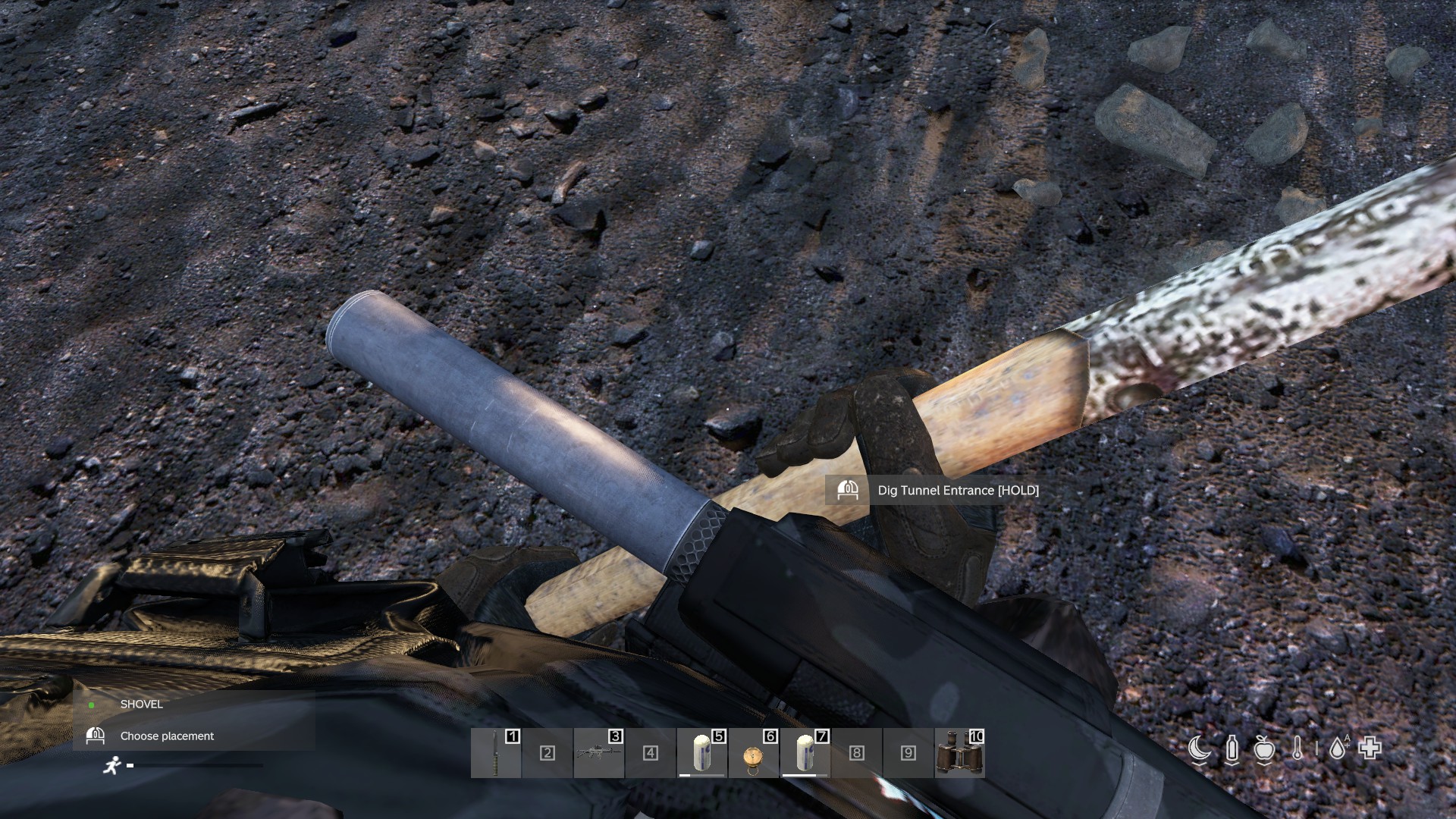
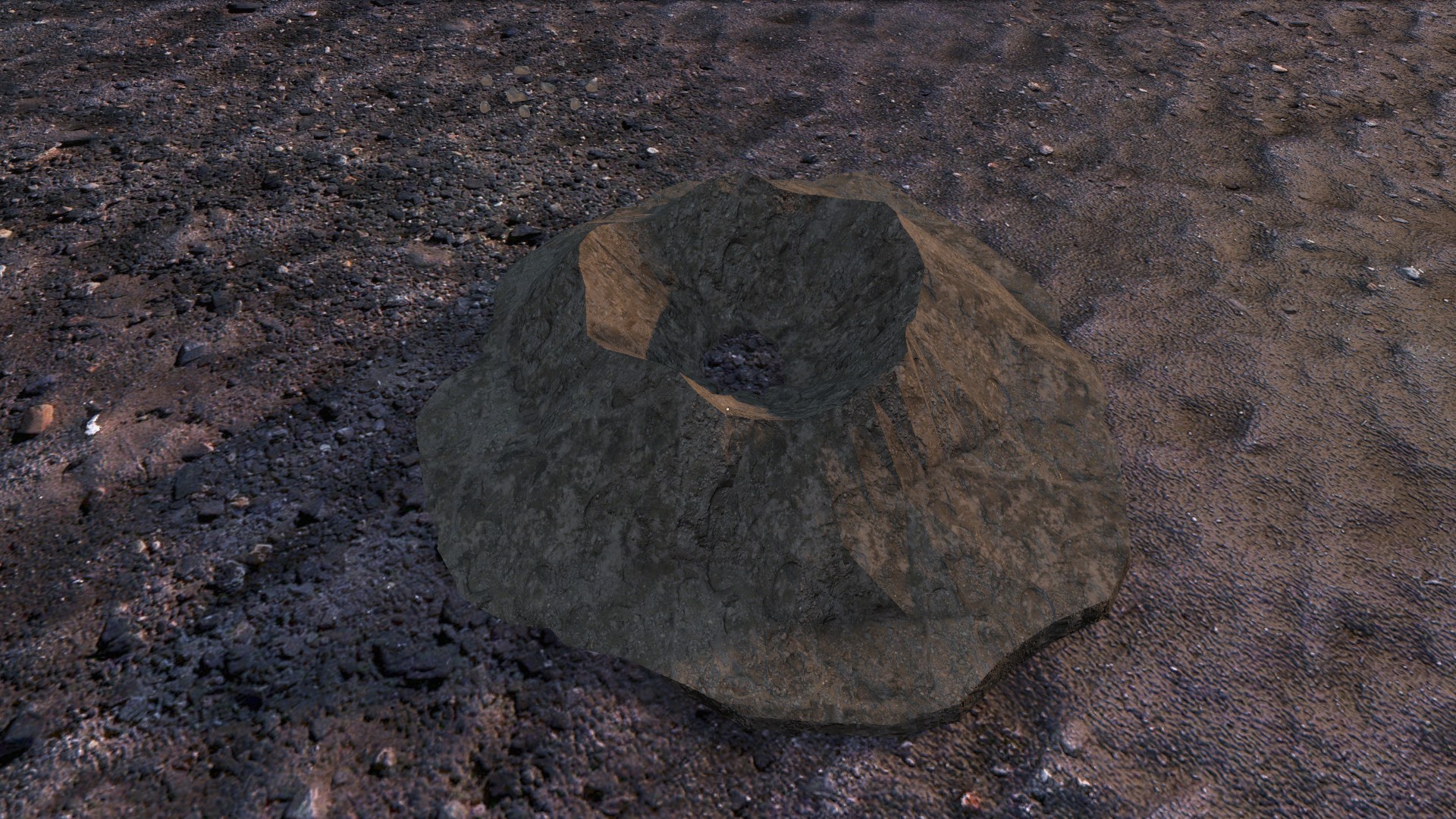
Take a shovel (a field shovel, pickaxe or farming hoe also works), look at a patch of open ground and choose Dig Tunnel Entrance. Digging the hole itself only takes a couple of seconds and leaves you with a Hatch Dig Site — a dirt pile with attachment slots, much like the old system.
The option only appears where the ground is suitable:
- Soft ground only — you can't dig into roads, concrete, rock or asphalt.
- Reasonably flat — steep slopes are rejected.
- Clear of objects — you need about a metre and a half of space from trees, rocks, walls and vehicles.
- Not in a protected area — inside a territory flag's radius or a no-build zone you'll be told "You cannot dig here - this ground is protected."
Rocky ground
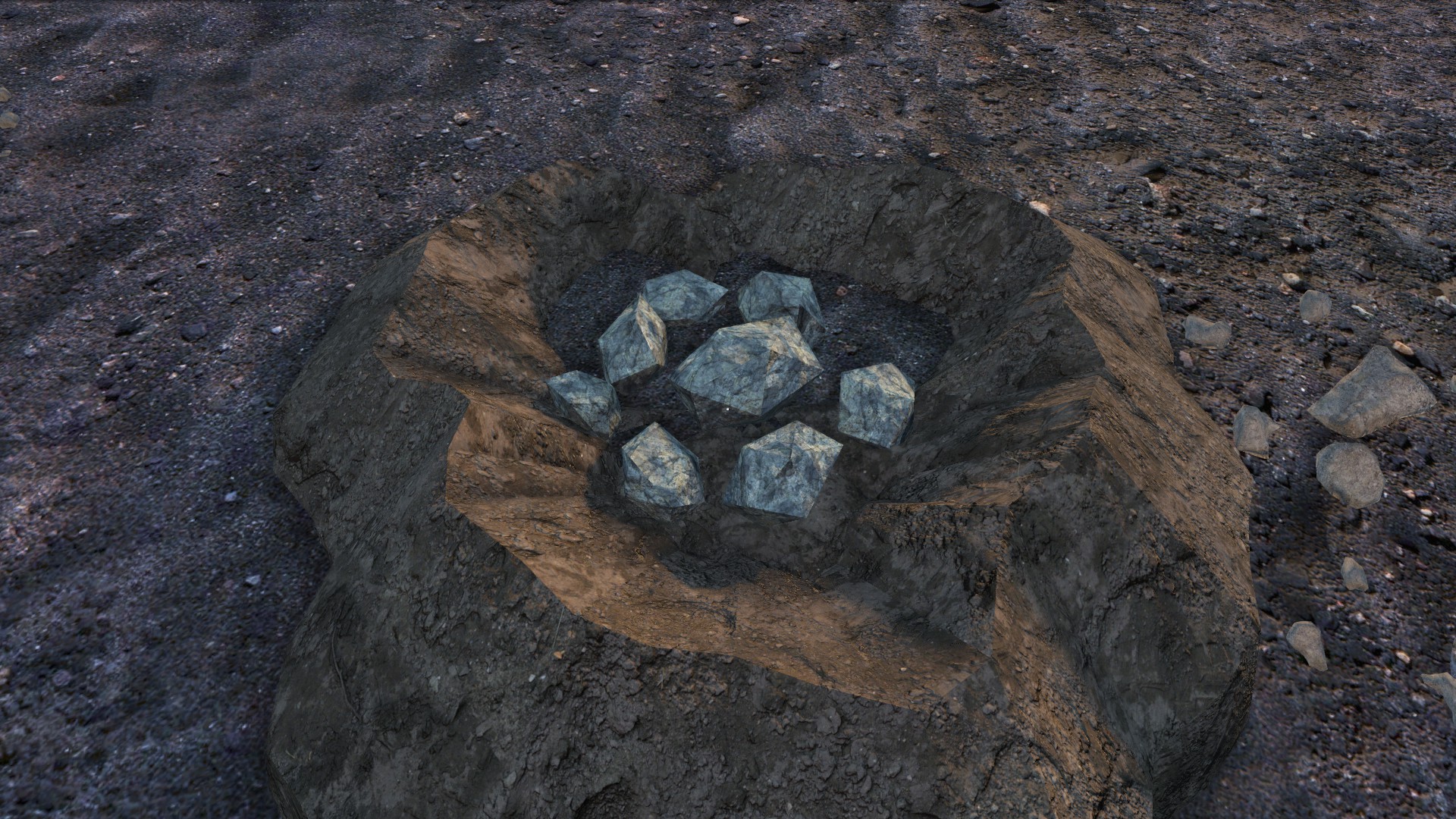
If you notice rocks in the dirt pile, you've dug into rocky ground and can't continue — you'll see "The ground here is too rocky to build a hatch - dig it out and try elsewhere." A rocky pile can never take materials or become a hatch. Just fill it back in with your shovel and try another spot. Rocky ground is fixed for the whole wipe, so a quick test hole is a legitimate way to survey an area before you commit.
The 60-metre rule
You cannot have two tunnel entrances within 60 m of each other. Importantly, you are not told you're too close when you dig the hole — only when you attach materials and try to build it. This is deliberate: if the shovel refused to dig near a hidden base, people could sweep fields with a shovel to find bases. If you hit the "too close to an existing one" message, your materials are not consumed — take them back, fill in the hole and move at least 60 m away.
(You also can't build within a few metres of an old Underground Bases hatch, and you can't dig a second hole right on top of a first one.)
Building the entrance
Stand on the dig site, open your inventory and fill the slots. The entrance costs:
30 Wooden Planks
99 Nails
 2 Wooden Logs
10 Metal Sheets
Then use a hammer, hatchet or meat tenderiser on the pile and choose Build Manhole Hatch. Once built, the hatch is permanent. If you change your mind before attaching anything you can Fill In Hole with a shovel to remove the dig site.
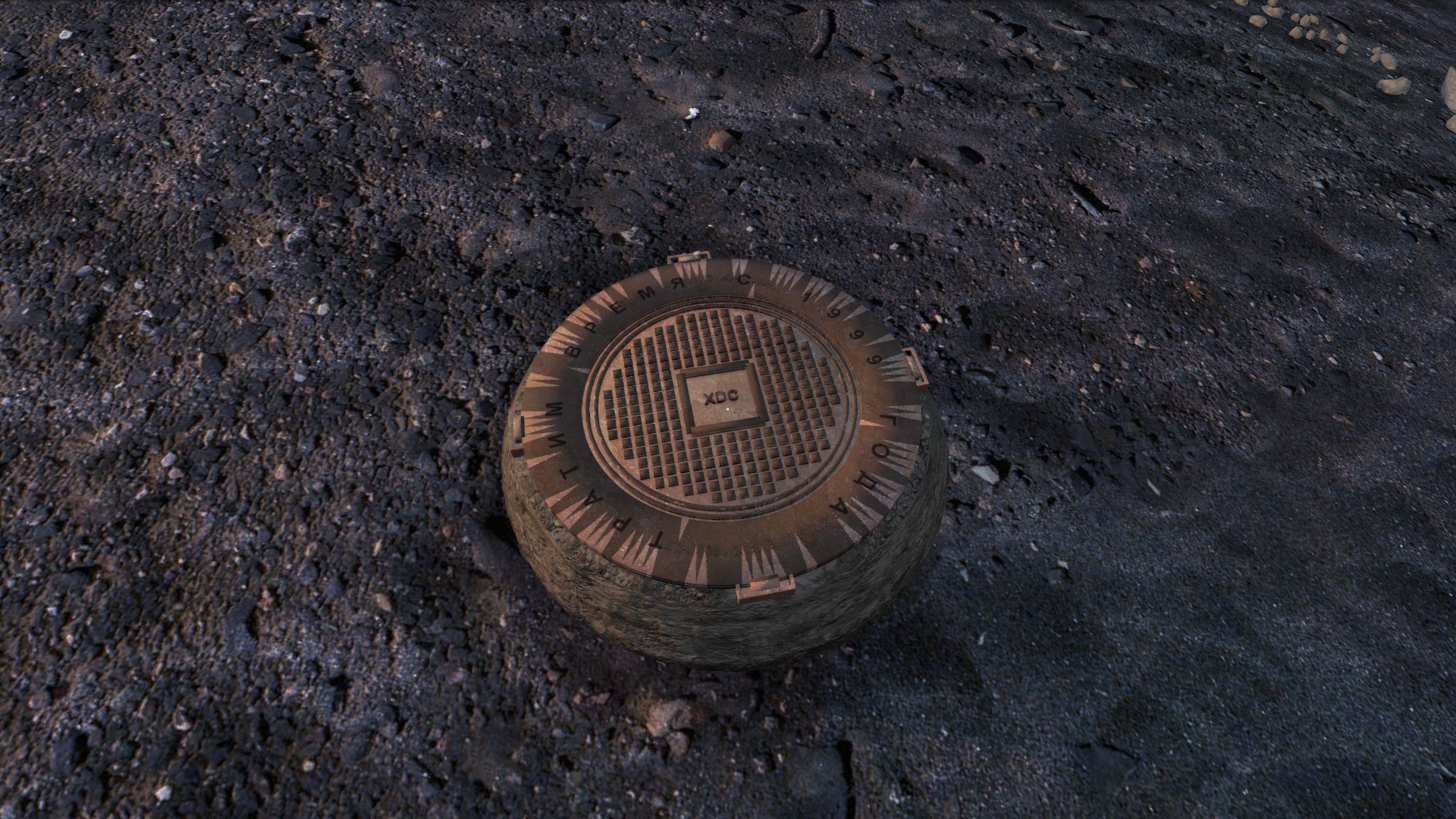
It is hard to see — note where you build
The new entrance is much harder to spot than the old hatch, even without a camo net. It looks like a manhole cover sitting on a patch of dirt, and the dirt's texture matches the terrain it's built on (most of the time). During testing we had to turn on admin ESP to find our own entrances in open fields half the time. Make a careful note of exactly where you built it — and remember that in DayZ grass doesn't render beyond 100 m, so a hatch that vanishes into long grass up close may be visible from further away.
You can still attach a camo net to the hatch for extra cover.
Locking it
The hatch has a custom lock slot with its own codelock image, which means it only takes a codelock — a combination lock won't fit. Attach a codelock and set your passcode straight away: a hatch with a lock attached but no code set can't be opened by anyone, including you, until a code is entered. Once locked, only the lock's owner and people who've entered the correct code can get in.
The person who sets the code on the lock is its owner, and that matters later — see the Ownership & Claiming guide.
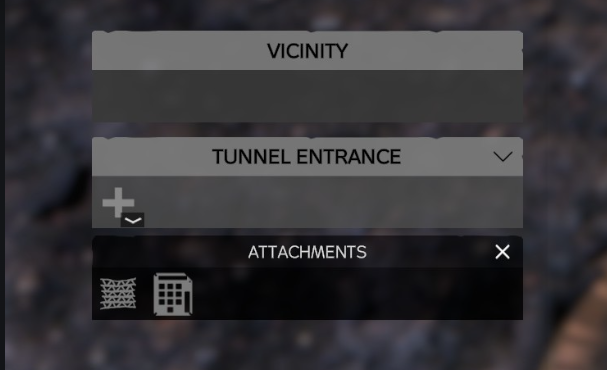
Entering the base
Look at the hatch (or just stand right beside it — the prompt also appears when you're within arm's reach, so a bush can't block you) and choose Enter Base. If the hatch is locked you'll use the codelock's own prompt instead.
You arrive in the first cube of the tunnel system, which is about 4 m × 4 m with Tier 1 timber walls on all four sides. It's pitch black — see the Lighting guide before your first trip down.
The 10-second blackout
Whenever you enter or exit a base, your screen goes black for about 10 seconds. During that time you are frozen, invisible to other players, and your inventory is locked. This applies on the way in and the way out. It's there to stop people seeing through walls or peeking at the base layout while it loads, and to stop you being shot in the moment you appear.
Falling when the base loads
Like the old mod, if a base holds a lot of loot or a lot of structures, your game may not have finished loading the floor by the time you appear, and you can find yourself falling. We have several systems in place to stop this killing you:
- For up to two minutes after you arrive, the server watches your position and puts you back on the floor if you drop out of the base.
- Fall damage is switched off while that protection is active.
- Everything below the base is kept dark, so you never see the map from above.
- Logging in inside a base gives you a temporary floor while the real one loads.
If you see or hear yourself falling, jump — that resyncs you. The game will usually stand you back up on its own, but a jump does the same job the moment the blackout lifts. If you're fair-minded and find a weakness in any of this, please let us know so we can strengthen it.
Leaving the base
Look at the ladder in the entrance cube and choose Exit Base. The ladder is the only exit — you can't climb out through a wall. You'll get the same 10-second blackout, then appear next to the hatch on the surface. If the entrance cube has caved in, the shaft is choked and you'll need to dig it out first (see the Getting Buried guide).
Persistence
There are no flags or territories down here. Instead, each core refreshes the lifespan of everything in its cube every 5 days — automatically, with no action from you, and tied to real time so server restarts don't reset the clock.
- The refresh only helps items that already last longer than 5 days (storage, base structures and the like); short-lived junk still rots away between refreshes.
- If a core is destroyed, its cube stops refreshing and the storage inside will eventually despawn.
- Full details in Ownership, Persistence & Claiming.
Upkeep
Separately from persistence, your base needs maintenance. The upkeep is about keeping your structure standing, not a fee — there's no flag to raise and no fuel to feed, but it does cost more to keep standing than a flagged surface base. Cubes decay over time, so keeping your base alive means staying on top of your supports and repairing them before they fall apart.
Keeping it standing — stability
Cubes decay over time and can collapse while you're offline (though not while the server itself is down).
- Walls slow a core's decay, so a well-walled cube needs far less attention than one left as bare earth — never leave exposed earth faces.
- A collapse drops the core back to Tier 1 (your walls and vault parts survive at reduced HP) and buries anything inside until you dig it out.
- Check a cube's health at a glance with Inspect Structure (empty hands) or a tape measure. Full details in Stability, Raiding & Collapse.
How to repair
Repair is how you reverse decay and battle damage. Hold a hammer, hatchet or meat tenderiser, look at the wall, vault door or core you want to fix, and press Repair. Each part is repaired on its own, and a single repair both restores that part's health and shores the whole cube's stability back to full — so it does double duty.
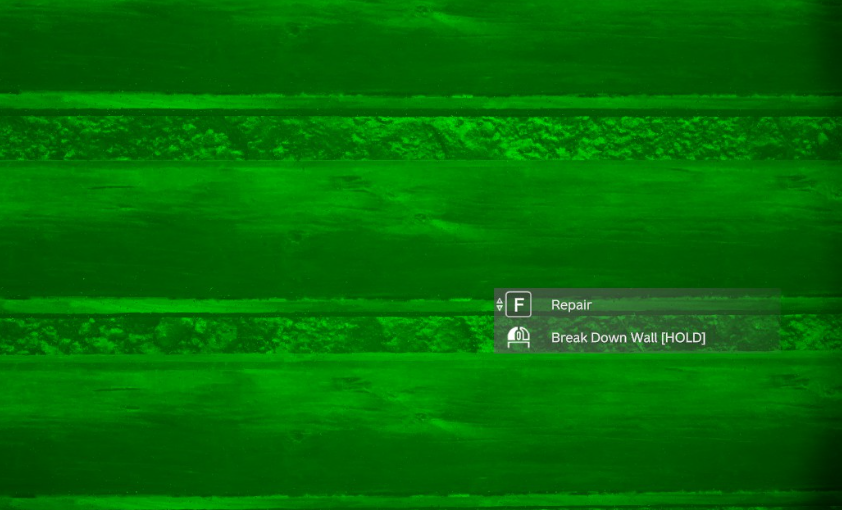
- Patch early — it's far cheaper. The cost scales with how damaged a part is: light damage costs only a fraction of the build price, but a part left until it's critical costs almost as much as building it new.
- Materials come from your inventory first, then the ground within about 2.5 m — drop a pile at your feet and repair from it. No build permit is needed to repair.
- A rough schedule: a sealed Tier 1 cube needs attention within a week; concrete buys you about a month.
- A cube hit by explosives or gunfire is locked for an hour — no repairs or upgrades — so you can't patch a breach mid-raid. A vault wall or door can't be repaired while its core is below Tier 3.
- Full details, including exact repair materials per part, are in Digging & Building.
Good to know
- You'll hear the base around you: timber creaks, metal groaning, and the trickle of falling stones wherever there's exposed earth. Concrete is silent. The rockfall sound is a hint that a face needs walling.
- You can build a second entrance 60 m or more away and tunnel across to join the two systems — but you can't dig upwards to make a new exit from inside. More on this in Digging & Building.
- The old Underground Bases mod is still running this wipe. Its guide still applies to those hatches; nothing in this guide applies to them.